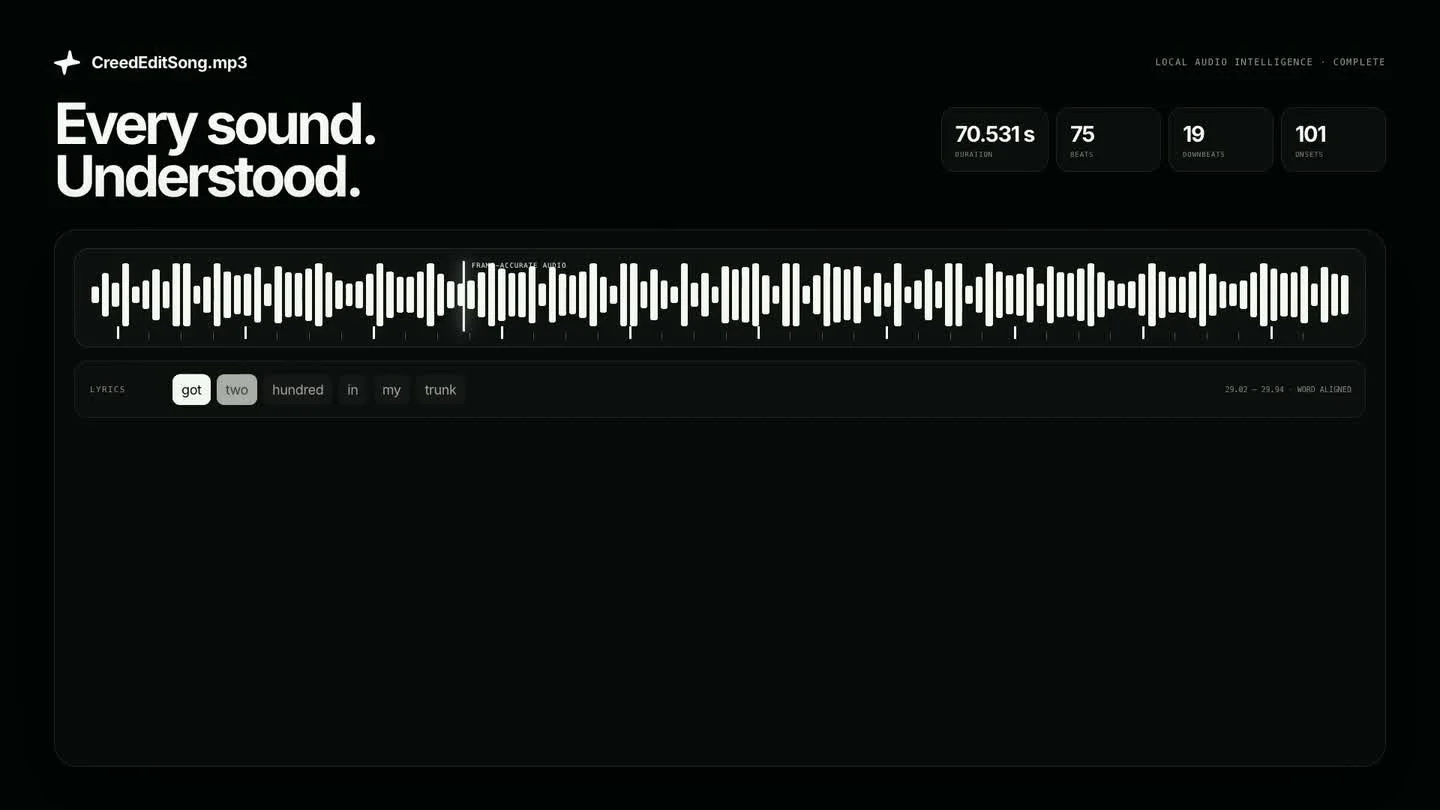
 75 beats · 19 sections · 3 stems
01 · Listen
Hear structure, not just waveform.
Lyrics, stems, beat strength, transitions, and energy become editorial timing.
Whole-project AI for macOS
VibeEdit watches every frame, hears every beat, remembers every character, and turns creative direction into a finished, editable timeline.
Apple silicon · macOS 12+
 Creed trilogy · AI edit workflow Final cut ready
One model of the whole project
Picture, performance, sound, story, and timeline decisions live in one connected memory. Ask for an edit and VibeEdit can reason across all of it.
75 beats · 19 sections · 3 stemsLyrics, stems, beat strength, transitions, and energy become editorial timing.
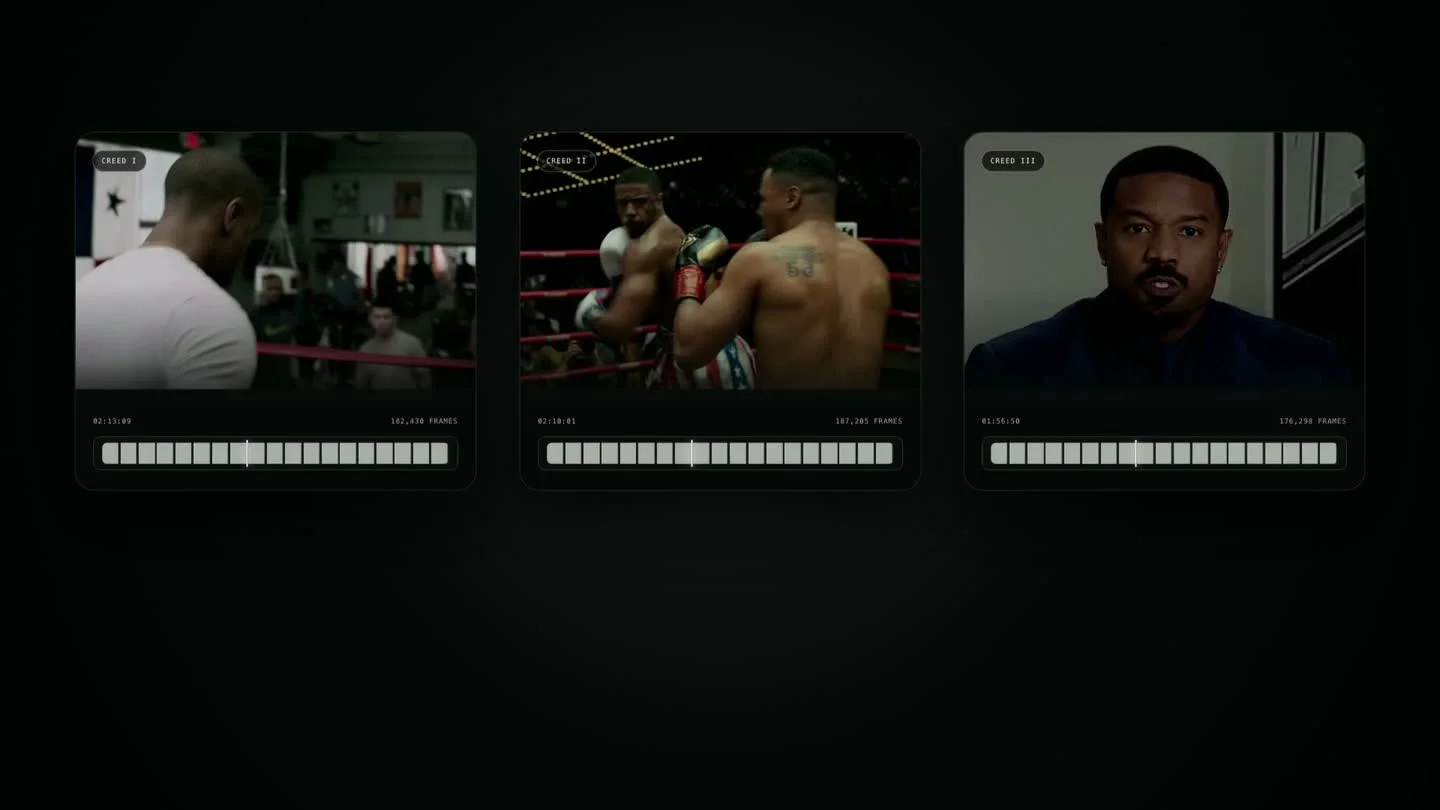 Frame · face · pose · action
Faces, bodies, objects, motion, actions, and composition stay searchable at frame precision.
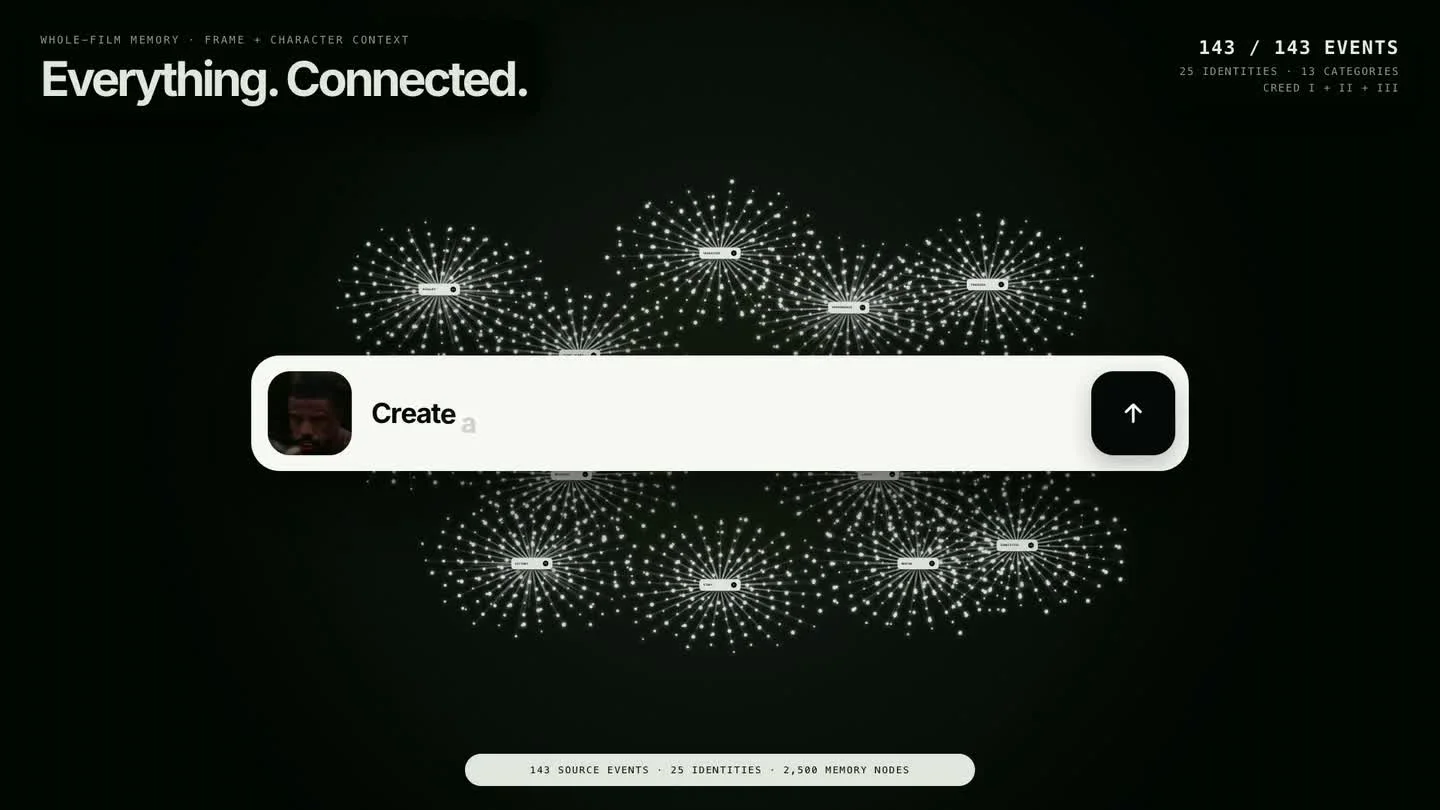 2,500 connected memory nodes
Characters, quotes, impacts, relationships, scenes, and visual motifs remain connected.
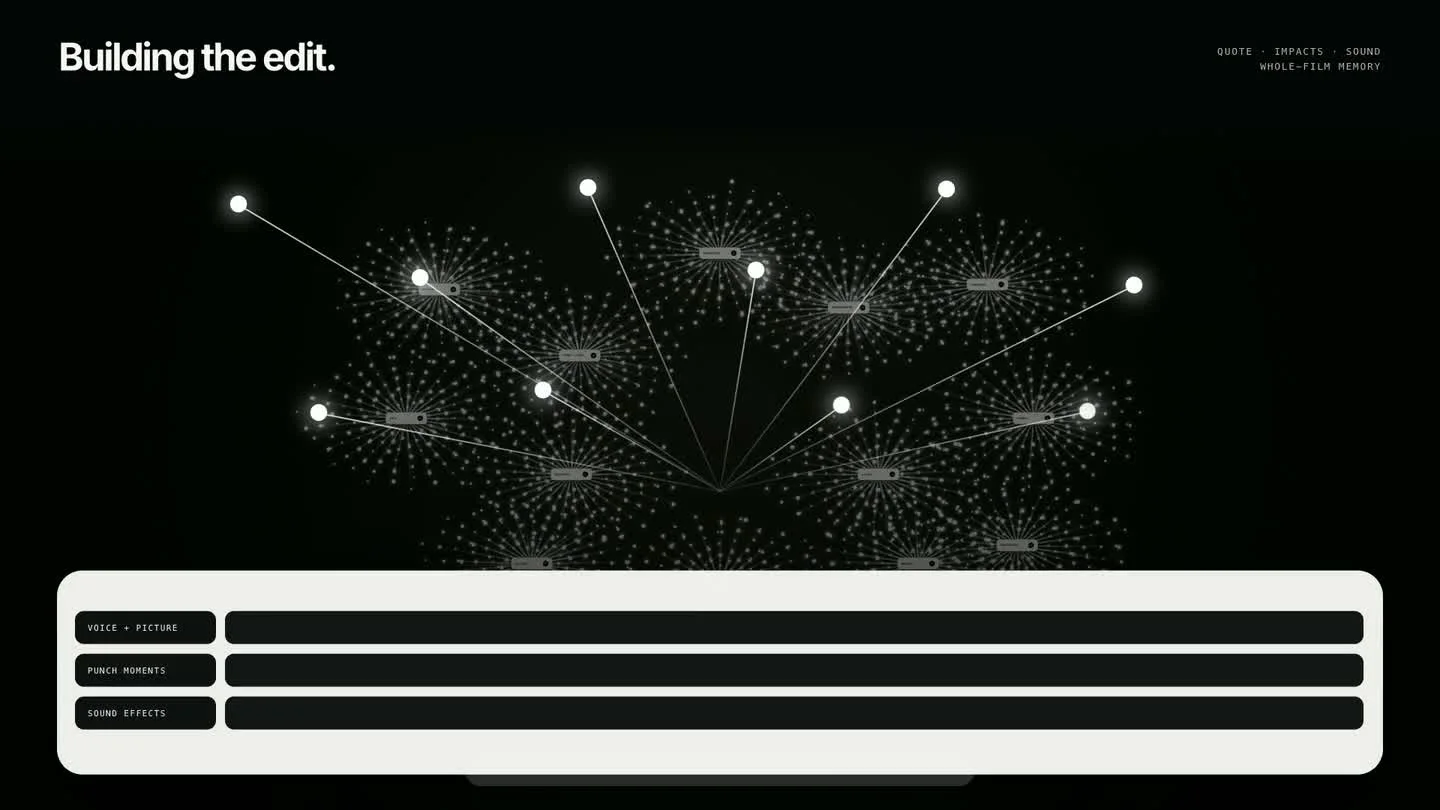 Story · picture · sound · effects
Selections arrive on a real timeline with music, text, masks, impacts, and transitions attached.
The project brain
Find a character across three films. Trace the quote that explains a decision. Match a face, body pose, action, beat, or object—then pull every result directly into the cut.
Create a montage with his face centred.↑Whole-film intelligence
VibeEdit connects shots, people, objects, motion, dialogue, and story beats across the complete timeline—so the agent can answer with evidence from the film, not a guess from one thumbnail.
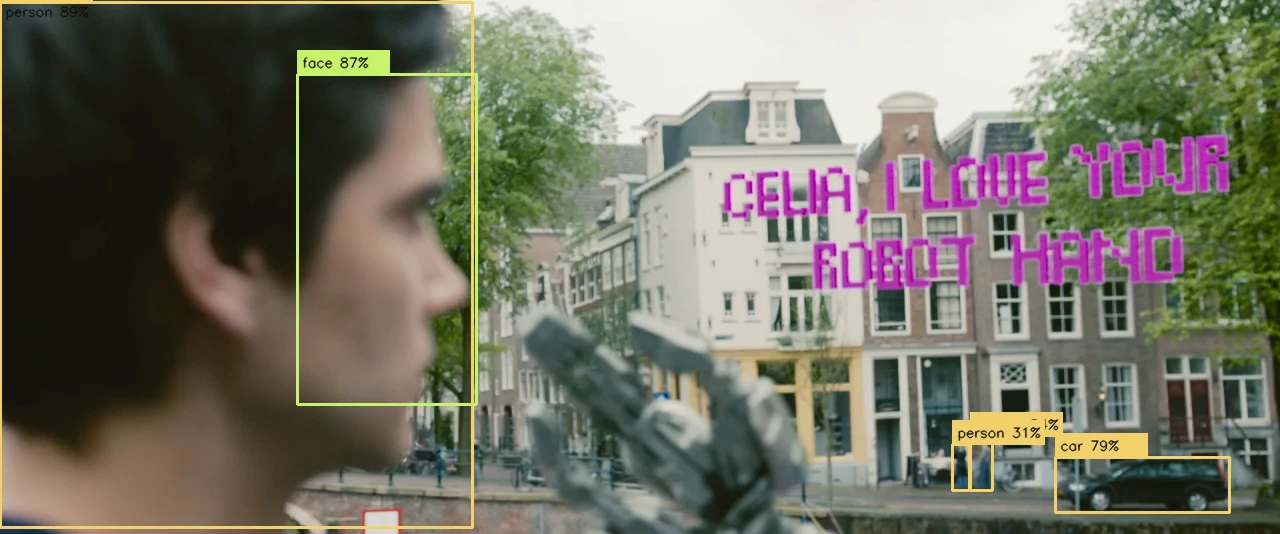
Observed at 05:54
Ask the entire timeline
One request searches visual evidence, dialogue, and story context across every shot—not just the clip under the playhead.

Story-aware selects
The agent does more than rank pretty shots. It can explain the narrative function of a select and carry that reason into the edit.
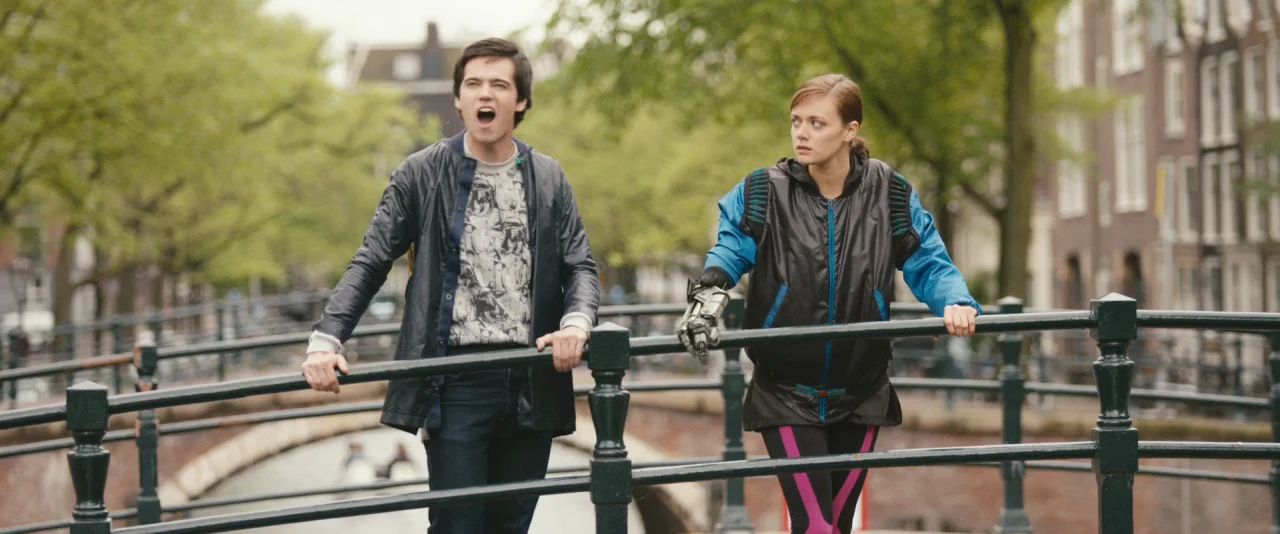
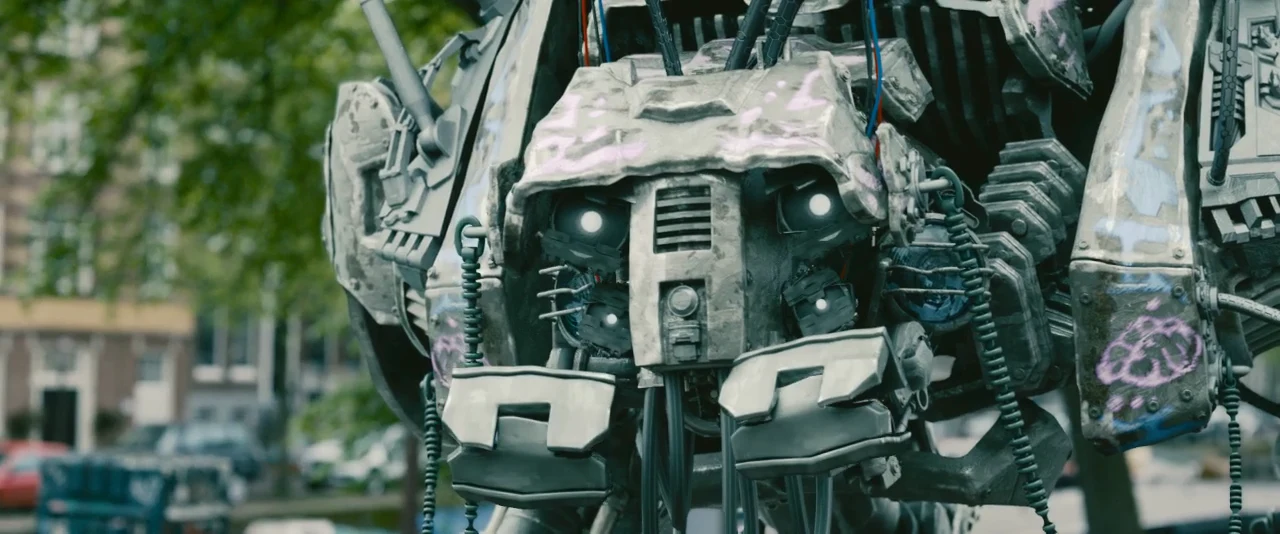


Shot boundaries, semantic scenes, chapters, moments, and editorial beats become usable project context.
Face, body, hand, object, pose, and active-speaker signals support framing, tracking, and selection.
Transcripts, precise beat maps, song structure, stems, and energy give the edit a musical backbone.
Segmentation, cutouts, OCR, and background removal turn subjects into editable creative material.
Multi-asset context
Add A-roll, B-roll, alternate takes, stills, dialogue, music, and references. VibeEdit keeps every asset connected to the same creative direction.
Project assets · 5 selected Context shared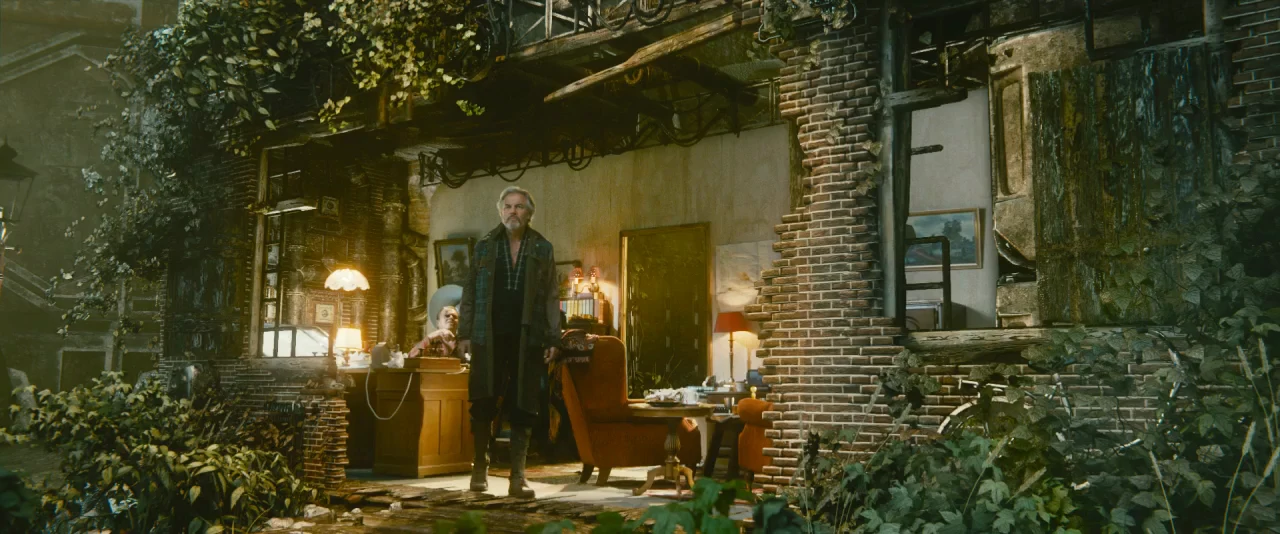
Production outcomes
VibeEdit does not stop at analysis. The same project memory carries evidence into selects, structure, subject-aware effects, continuity, and final review.
Hours of source→ ranked, contextual selects
Speech + beats + scenes→ editorial structure
Tracks + masks→ editable subject layers
Continuity + QA→ a resolved timeline
Creative library
Effects are built from editable recipes—not mystery presets. Choose the creative job, then control intensity, timing, direction, optical center, and subject protection.
OPTICAL CENTER · SUBJECT
Anticipate, hit, overshoot, and settle around the subject—without losing the face.
SOURCEGRADE
Shape temperature, contrast, and focus while protecting skin and important detail.
ANALOG FILM · 18%
Grain, flicker, glow, blur, and chromatic texture inside a controlled envelope.
MAKE ITMEANSOMETHING.TEXT SLIDE · 18f
Text enters from the story, gaze, motion, or beat—not from a generic animation menu.
→WHIP-PAN BRIDGE · 12f
Bridge clips through shared direction, velocity, geometry, or an object crossing frame.
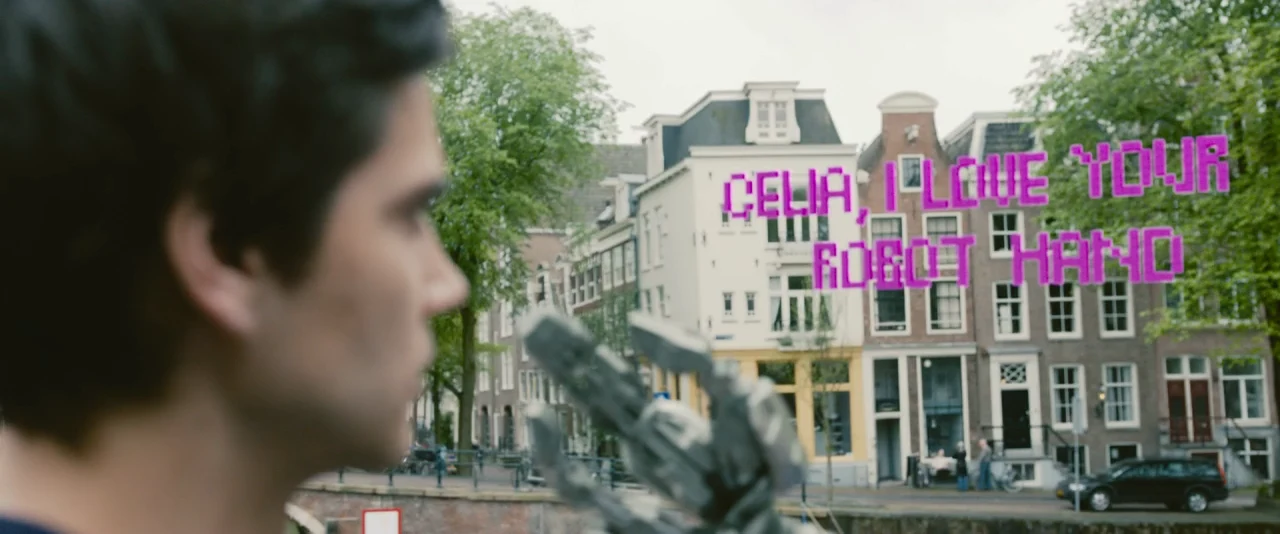
Illustrative recipe previews using the open-license Tears of Steel footage shown above. Every treatment remains adjustable on the timeline.
The creative suite
Not a grab bag of prompts. A production library VibeEdit can route, combine, and review against the footage and your intent.
Built for film-scale work
Created for the demands of serious film teams, from independent editors to the largest studios. You give one direction; specialized roles work from the same project context across story, performance, effects, sound, continuity, and finish.
Shared project context Team ready
Build tension.One brief stays attached to the footage, evidence, timeline decisions, and every specialist handoff.
VibeEdit for macOS
Available for Apple silicon Macs running macOS 12 or later.